How to Add the New Forum to Your Mobile (Home Screen)
Want quick, app-like access to the forum? You can add it to your phone’s home screen in seconds — no download needed.
 For iPhone (Safari)
-
Open the forum in Safari
-
Tap the Share icon (square with arrow ↑)
-
Scroll down and tap “Add to Home Screen”
-
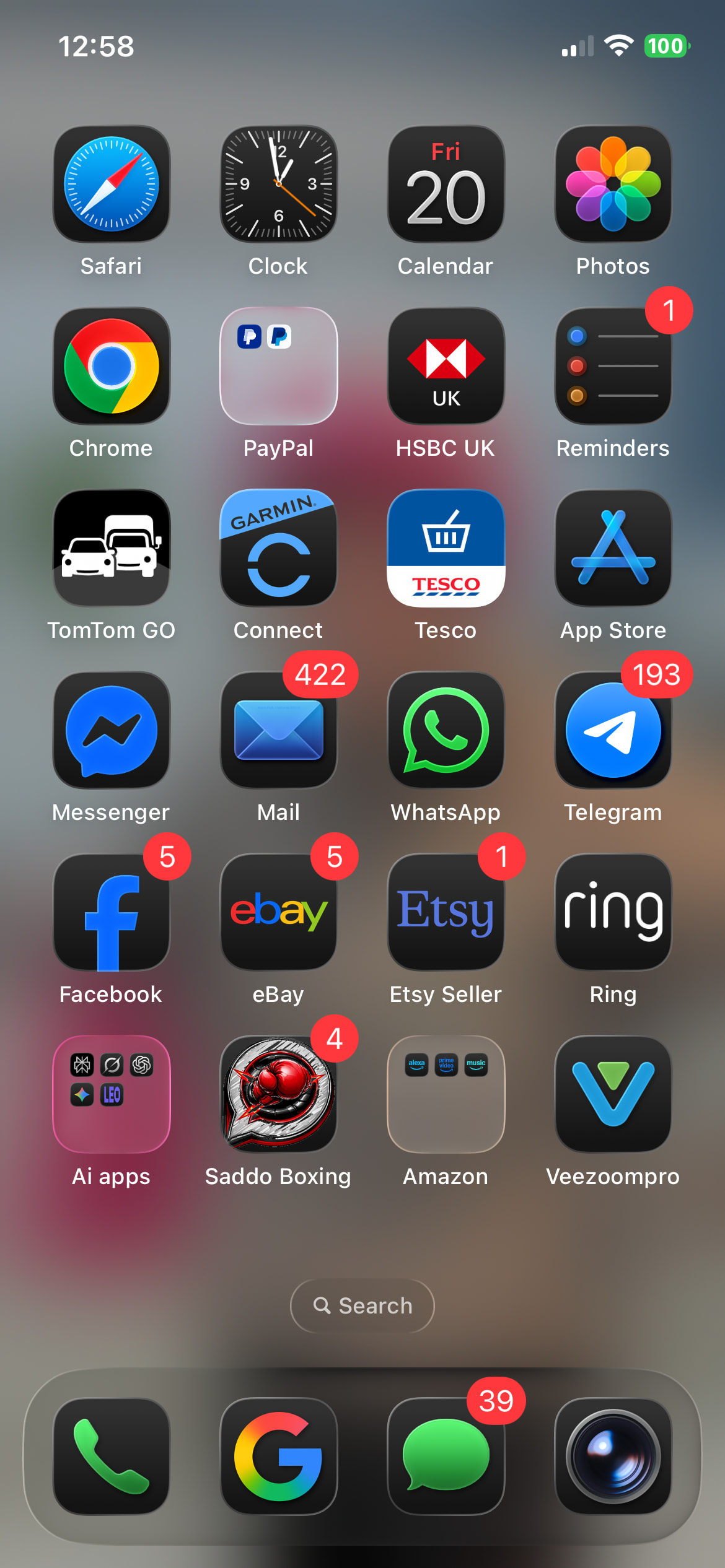
Rename it if you like (e.g. Saddo Boxing)
-
Tap Add
 That’s it — it now works like an app on your phone!
 For Android (Chrome)
-
Open the forum in Chrome
-
Tap the 3 dots (top right)
-
Tap “Add to Home screen”
-
Confirm the name
-
Tap Add
You’ll now have a shortcut icon just like an app.
 Why do this?
-
 Faster access — no typing URLs
 -
 Works great with notifications
 -
 Feels like a proper app
 -
 Jump straight into the forum anytime
 Tip
Tip
Make sure you’re logged in before adding it — so when you open it, you’re already inside your account.
If you get stuck, just reply below and we’ll help you get set up 


 . Telling me to update to supported browser but already using safari. Can view, just not log in. Definitely the phone.